Apple Mac Studio M5 Max — A Next-Generation Workstation
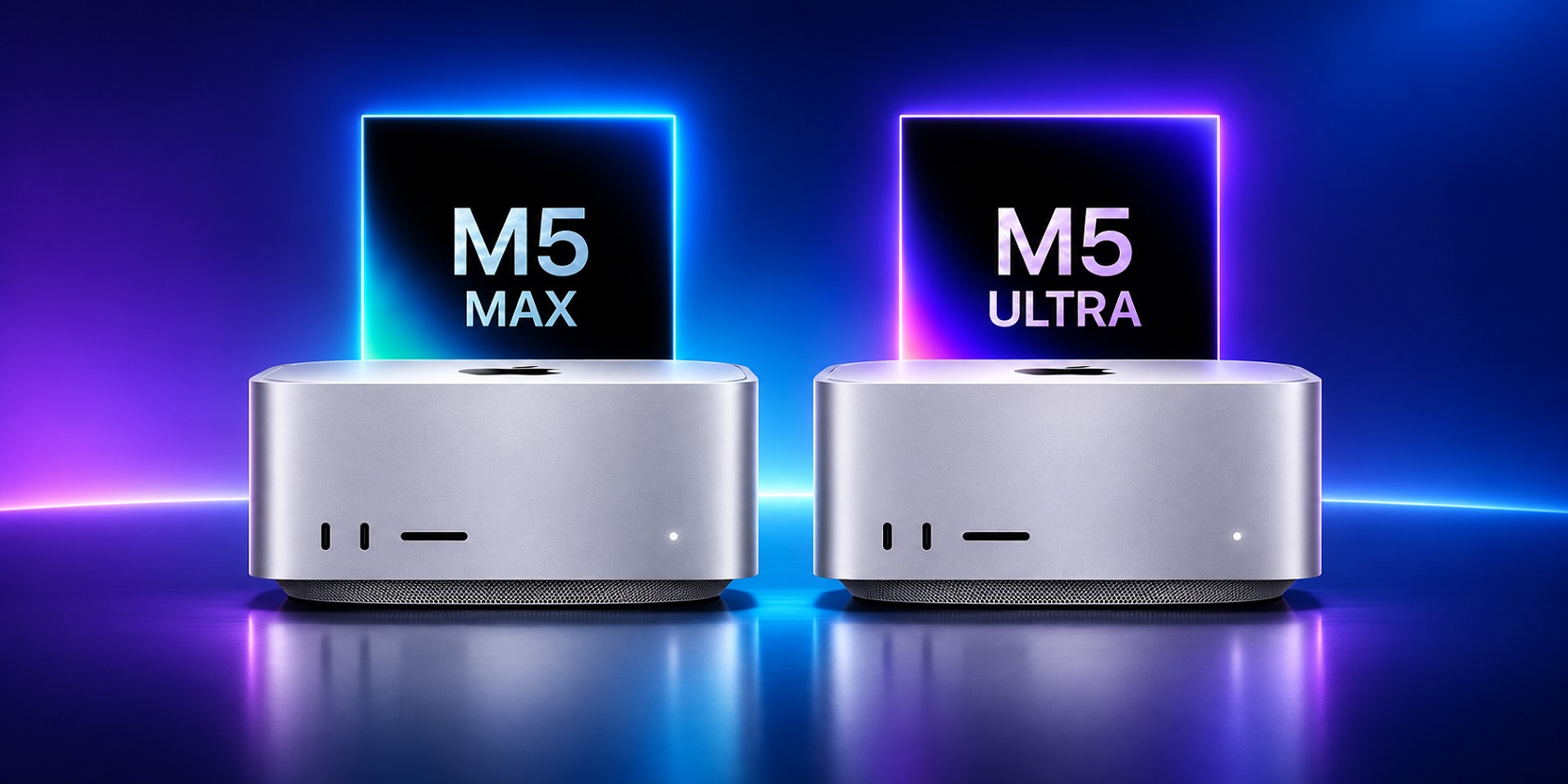
The Mac Studio M5 Max occupies a middle ground between Apple's standard desktop computers and its most powerful configuration featuring the Ultra chip. This model is designed for users who regularly process large amounts of data, edit videos, work with 3D graphics, and run resource-intensive applications. Compared to the Mac Studio M4 Max, the main improvements concern computing performance: the number of CPU cores has increased from 14 to 18, while unified memory bandwidth has risen from 410 to 460 GB/s, an increase of approximately 12%. However, comparing display brightness, battery life, and camera specifications would not be appropriate, as this computer has no built-in display, battery, or camera. The case has remained virtually unchanged, but the weight has decreased from 2.74 to 2.7 kg. This makes the new model an interesting option for designers, photographers, video editors, programmers, and small production studios.
Design and Case Construction
The Mac Studio M5 Max retains its recognizable appearance. The computer features a silver aluminum body measuring 197 × 197 mm and standing 95 mm tall. This design provides enough room for a powerful cooling system without turning the workstation into a bulky desktop tower. It weighs approximately 2.7 kg, making it easy to move between workstations, although it is not a full-fledged portable alternative to a laptop. The metal surface looks neat, but fingerprints may appear with frequent handling. The ventilation openings are positioned to ensure efficient heat dissipation, which is particularly important during extended rendering sessions and video processing. As a result, the compact dimensions make it possible to use powerful hardware in an ordinary office environment without taking up excessive space.
Performance and M5 Max Capabilities
At its core is the M5 Max processor with an 18-core CPU, consisting of 6 performance cores and 12 high-performance cores, as well as a 32-core GPU. An upgraded configuration with a 40-core GPU is also available. AI-related tasks are handled by a 16-core Neural Engine, while hardware-accelerated ray tracing is useful for creating complex 3D scenes. Unified memory starts at 36 GB and reaches 128 GB in higher-end versions. Bandwidth reaches 460 GB/s, making it more comfortable to work with large projects and several demanding applications simultaneously. Video editors can work with multilayer projects, photographers can process RAW images, and developers can compile large applications. This amount of performance is excessive for social media, YouTube, music, and everyday messaging, but professional workloads make much better use of the platform's capabilities.
Connectivity and Software Environment
The Mac Studio M5 Max runs the latest version of macOS, with support for Apple Intelligence and Siri AI tools. The interface remains familiar to Mac users: animations are smooth, switching between applications is fast, and settings for external displays and peripherals are readily accessible. The case features four Thunderbolt 5 ports, two USB-A ports, HDMI 2.1, 10Gb Ethernet, and a headphone jack. On the front, there are two USB-C ports with speeds of up to 10 Gbps and an SDXC UHS-II card slot. Wireless connectivity is provided by Wi-Fi 7 and Bluetooth 6. The computer can support up to five external monitors simultaneously, including displays with resolutions of up to 6K. This makes it convenient for multi-monitor studios, where one screen can display an editing timeline, another the source materials, and a third the project management tools.
Cooling and Power Consumption
The computer is powered directly from the mains, so battery runtime is not relevant here. The system's maximum continuous power consumption can reach 480 W, although actual consumption in everyday applications depends significantly on the workload. When watching videos or working with documents, the computer does not use its full processing potential, whereas rendering, graphics processing, and AI computations require considerably more resources. The cooling system is designed for extended work sessions, helping maintain performance during sustained workloads rather than just short bursts of activity. This is particularly important in everyday use for professionals who spend an entire working day at their computer.
Final Thoughts on the Apple Mac Studio M5 Max
The Mac Studio M5 Max looks like a logical upgrade for users who have outgrown the capabilities of the previous generation. The increased number of CPU cores, faster memory, and modern wireless connectivity make it a suitable tool for working with video, photography, graphics, and software development. At the same time, its familiar case does not require any changes to the workspace, while the wide selection of ports allows professional peripherals to be connected without constantly relying on adapters. The main compromises include the high price of upgraded configurations, the inability to expand unified memory independently, and the need to purchase a monitor separately. Ultimately, the Mac Studio M5 Max should be viewed not as a universal home computer, but as a specialized workstation whose capabilities become apparent under demanding daily workloads.




 0